Prepare tomorrow’s resources
Due tomorrow and fits this block.
FOUNDING TEACHER BETA
Make your work fit the time you have.
As a teacher, I’ve lost count of the number of times I’ve said there simply isn’t enough time to do everything.
The problem is, there’s always so much you could do that it can be hard to know what you should do next.
That’s why I created Teacher Sorted.
It helps you see the work you’ve got to do alongside the time you actually have and work out what makes sense to tackle next.
It’s not a lesson planner. It’s a way to manage all the work around teaching.
Your lessons stay on the timetable.
Teacher Sorted is for the planning, preparation, marking, assessment, communication, admin and follow-up that have to fit around them. It works with the non-teaching time you choose to make available.
The beta is free. No payment details and no automatic charge later.
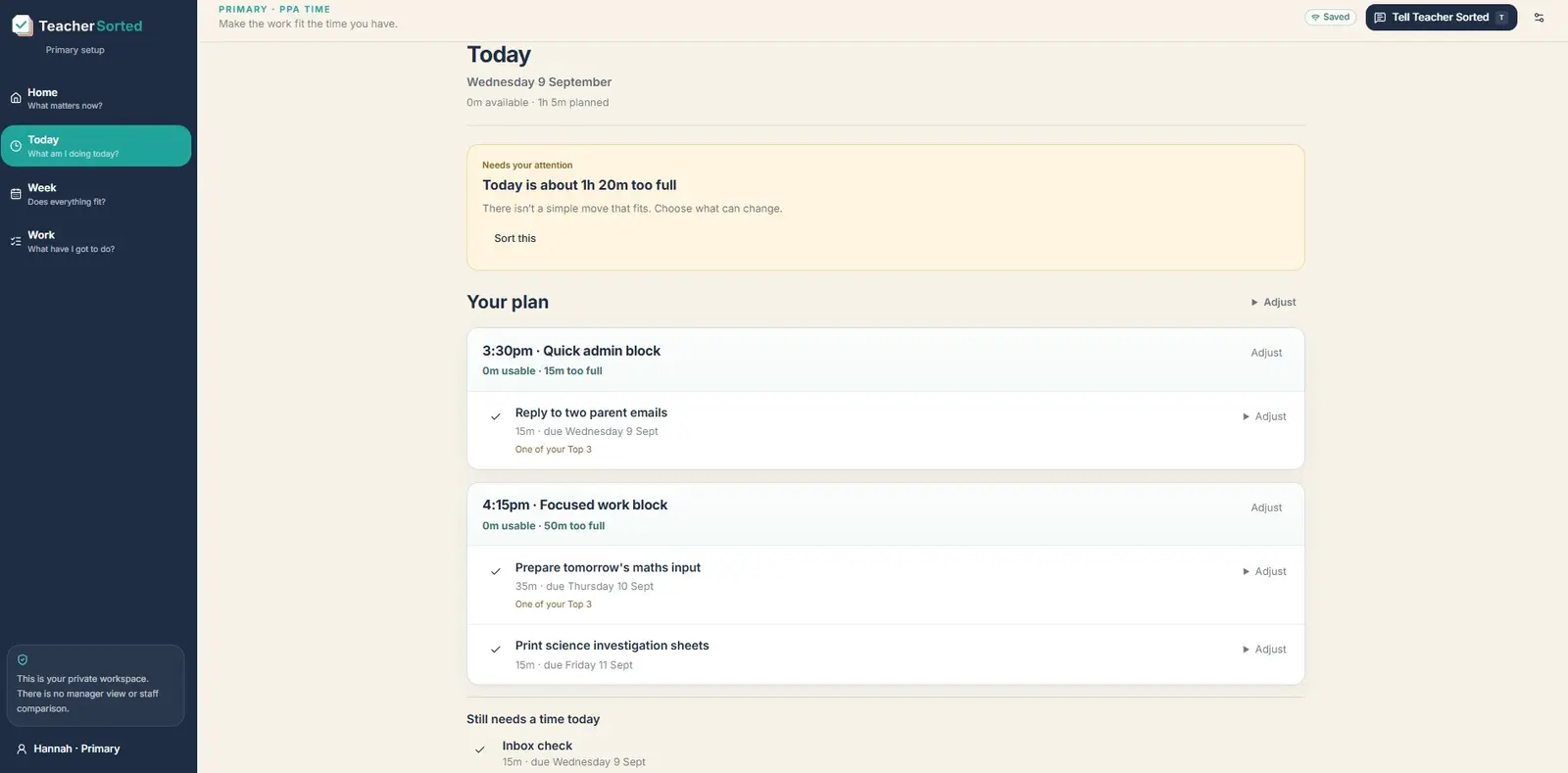
Today
Quick tasks · 30 minutes
Best fit now
Prepare tomorrow’s resources
Due tomorrow and fits this block.
Save for later
Plan next week’s maths
Keep this for your protected 90-minute block on Thursday.
WHERE DOES THE TIME GO?
It rarely works out that way.
There are emails to answer. A behaviour issue to follow up. Someone always needs a quick word. A parent needs calling. There’s data to enter, a form to complete, something to photocopy, a meeting you’d forgotten about or a job that has suddenly become urgent.
And then there’s the work you were actually planning to do in that time: planning, marking, feedback, preparing resources, assessment, adapting work, pastoral jobs, SEND support, department or year-group work.
None of those things is particularly surprising. They are simply part of being a teacher.
The problem is that they’re all competing for the same small pockets of time.
Some jobs need an uninterrupted hour. Some will fit into ten minutes. Some can wait until tomorrow. Some really can’t. And while you’re working through the list, more things are being added to it.
That’s where a normal to-do list starts to fall short.
It can tell you everything you’ve got to do.
It can’t tell you what makes sense to do now, with the time you’ve actually got.
WHAT TEACHER SORTED DOES
Instead of just giving you another list, it helps answer four useful questions.
TODAY
See what time you have at hand, what needs your attention and which jobs make sense to tackle next.
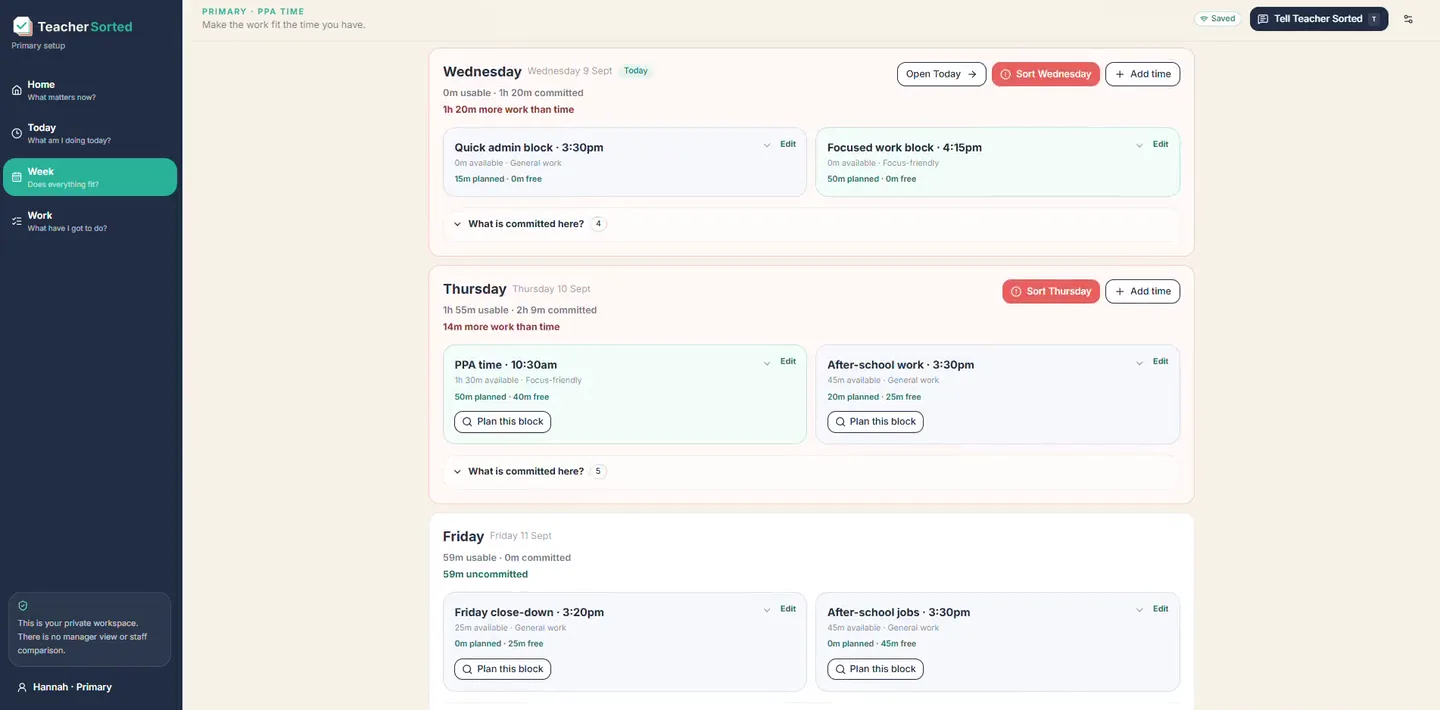
WEEK
See the work you’ve committed to this week alongside the time you’re actually likely to have.
If it doesn’t fit, Teacher Sorted tells you and gives you realistic options about how to handle it.
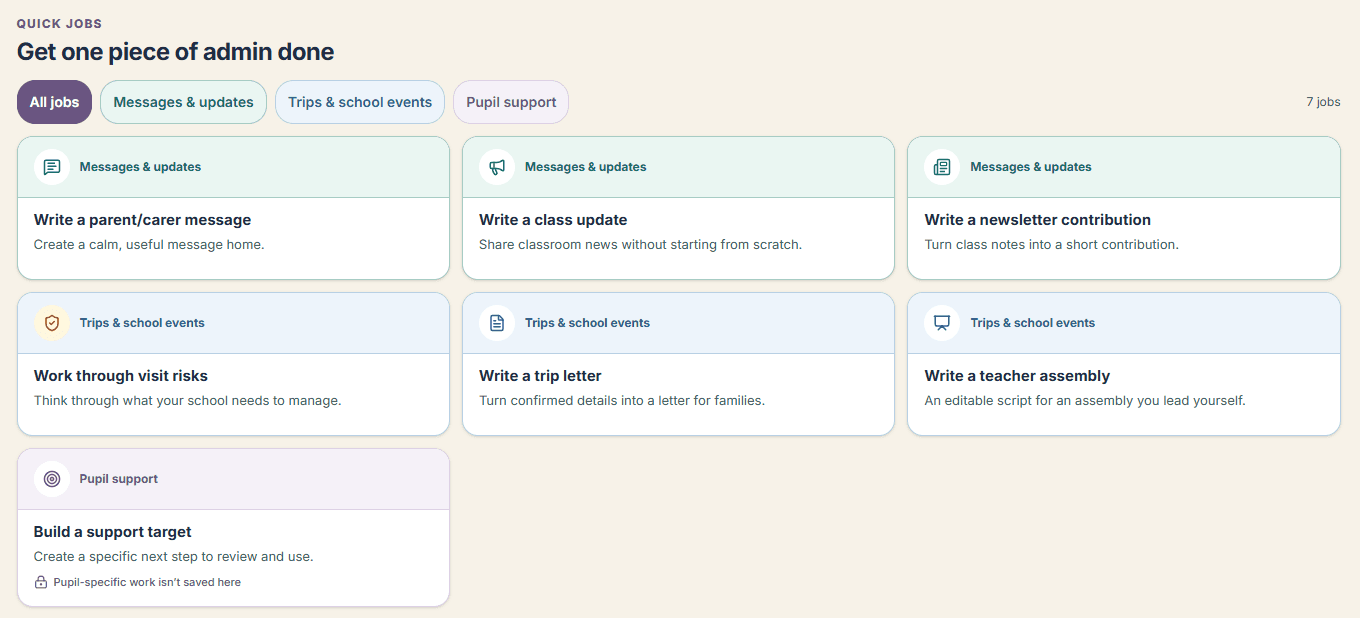
WORK
Somewhere to keep everything in one place without pretending that everything on your list has to happen this week.
QUICK CAPTURE
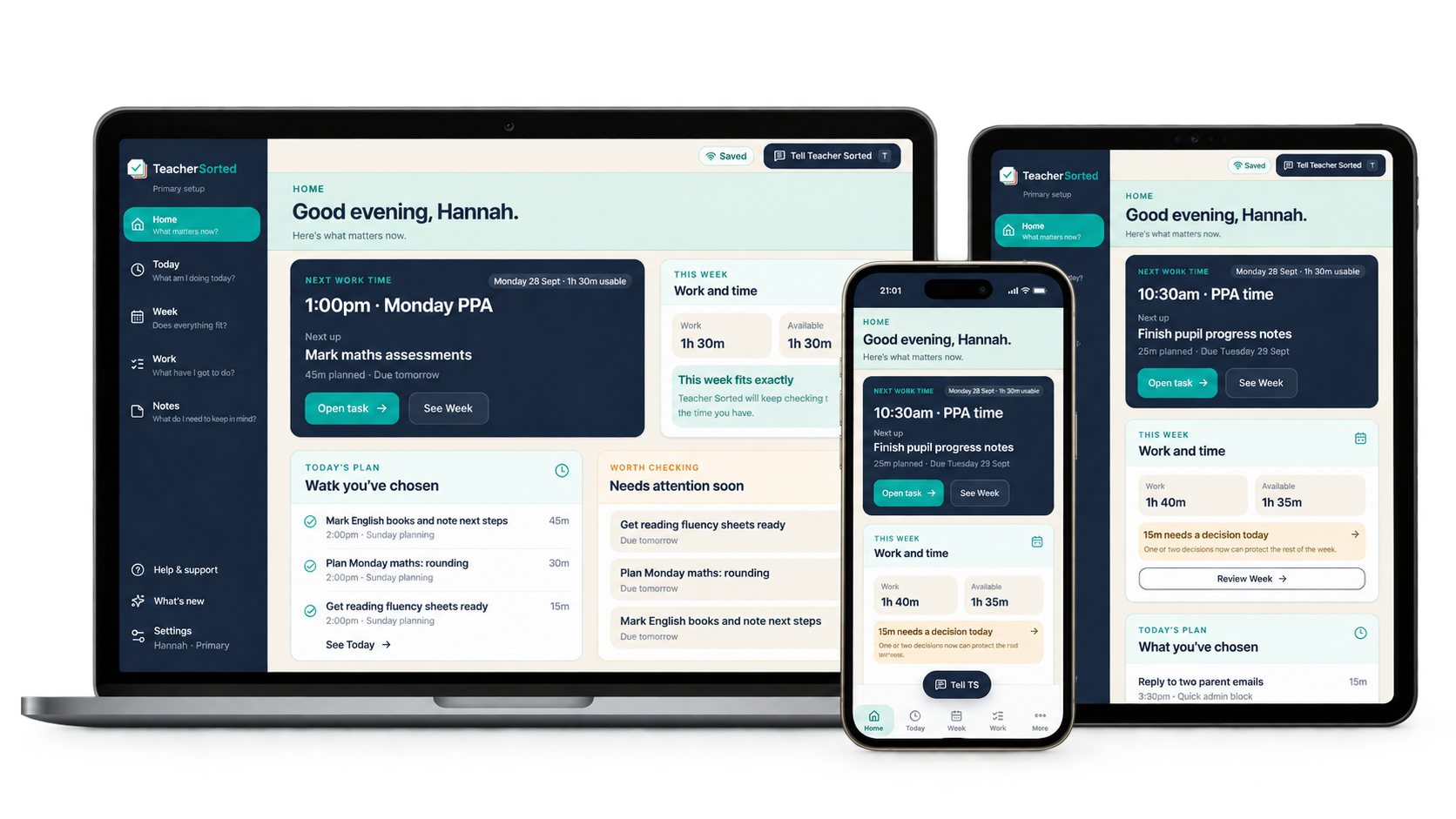
Add a job quickly before you forget it, wherever you are, on your phone or laptop.
SEE THE WORKFLOW
The same information moves through Teacher Sorted. You do not need to keep entering it in different places.
Type or dictate what needs doing
Mark English books by Friday. 45 mins.
Upload homework every Friday
Added once as a routine · about 10 mins
This week
Work planned
4h 20m
Time available
5h 15m
The rest of your list stays safely in Work. It is not all treated as due this week.
Time available
25 mins
Best fit now
Reply to parent email
About 10 mins · due today
It needs doing today and fits the time and tools available.
ROUTINE TASKS
Set regular jobs up once and Teacher Sorted brings them back when they’re due. You don’t have to keep adding the same task again.
FIT FINDER
That’s where Fit Finder comes in.
Tell Teacher Sorted how much time you have and it can suggest jobs that fit.
If you’ve got 20 minutes before the next lesson, it might suggest emails and photocopying rather than the planning job that really needs an uninterrupted hour.
You can ignore the suggestion and choose something else whenever you want.
Teacher Sorted helps you decide. It doesn’t decide for you.
YOUR TIME IS YOUR TIME
Set up your usual working pattern once — PPA or preparation time, time before school or an hour after school. It becomes a starting point, not a fixed calendar.
Then change the week in front of you. Staff meeting on Wednesday? Make less work time available that day. No two teaching weeks are quite the same.
Teacher Sorted compares that time with the work you have planned. If it doesn’t fit, it shows you before the work spills into the rest of your week.
You decide what moves, changes, waits, gets delegated or does not need doing.
Evenings, weekends and school holidays are not treated as available time unless you choose to add them.
You’re done for now.
This week
Work planned
4h 55m
Time available
4h 20m
About 35 minutes needs a decision.
Move it, reduce it, wait for somebody else or discuss the deadline.
After you decide
The week now fits.
Teacher Sorted stops there. It does not fill the space again.
BUILT FOR TEACHERS
Teacher Sorted adapts to both.
PRIMARY
PPA, planning, preparation and the practical jobs that sit around teaching.
Teacher Sorted can also keep track of the steps from adapting a resource through to having it ready for the next day.
SECONDARY
Preparation periods, different classes, marking and useful working time spread across the timetable.
Marking batches can be worked through in useful chunks without pretending you’ll finish the whole lot in one go.
FOUNDING TEACHER BETA
I’m looking for a small group of Primary and Secondary teachers to try Teacher Sorted during real working weeks.
The beta is free.
I’m not looking for people to sit through endless research meetings or fill in a survey every Friday.
Use it for your real workload. Tell me when something works. Tell me when something is annoying, confusing or useless.
That’s the kind of feedback I need.